
- CALL : (+1) 407-499-0530
- Main Office : (+1) 407-499-0530
SuiteApps from eMerge Technologies | NetSuite Apps built to Extend NetSuite
What is a NetSuite App?
A NetSuite App (often referred to as a SuiteApp or NetSuite extension) is a specialized software extension designed to run directly inside the NetSuite ERP platform. Rather than using external software that requires complex integrations, native apps leverage NetSuite’s own database and interface to add specific functionality, automate workflows, or close operational gaps.
The “Last Mile” Problem
NetSuite is the engine that drives your business, but even the best engines need specific tuning for specific terrain. We often see companies invest heavily in NetSuite to “get off spreadsheets,” only to find themselves pulling data back out into Excel to handle the final 10% of a process.
NetSuite Apps are built to handle that last 10%. They are the specific tools designed to close the loop so your users never have to leave the system.
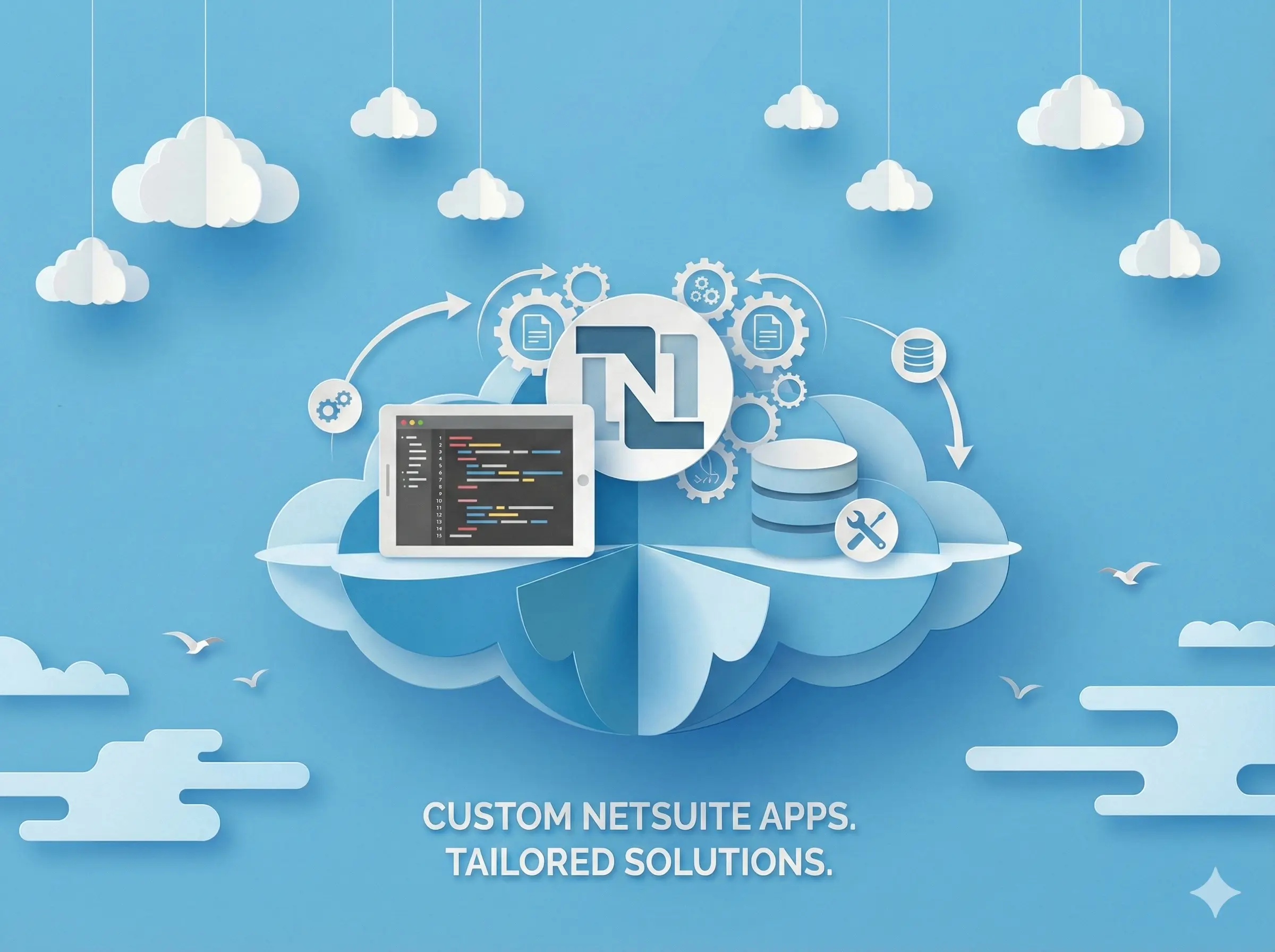
This is why at eMerge Technologies, we offer a dedicated solution for this exact gap. We maintain a library of pre-built NetSuite apps designed to immediately solve the common headaches we see across the industry. Furthermore, for unique operational challenges that standard tools can’t touch, we have the specialized ability to build custom NetSuite apps from the ground up. Whether you need a ready-made utility or a bespoke solution, we ensure your system covers that “last mile” without relying on fragile external workarounds.
Our Pre-Built NetSuite Extensions
eMprove Pricing
Automate personalized pricing for specific customers inside of NetSuite without the need for custom scripting or advanced skills.
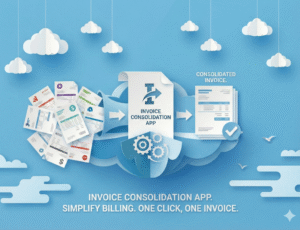
eMprove Invoice Consolidation 2.0
Consolidate Invoices faster than ever with the latest version of our Invoice Consolidation Application!
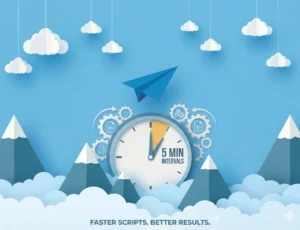
eMprove Scheduled Scripting
Schedule critical NetSuite processes at an even quicker rate with the latest version of our eMprove NetSuite Scheduler application!
Need a Custom NetSuite App?
Whether you need a custom NetSuite app for your own environment or want to build one for other NetSuite Users, emerge Technologies can help you.
Why Use Native NetSuite Apps?
Zero Integration Complexity
External apps rely on API connectors (middleware) that introduce latency and potential failure points. Native apps live directly inside your NetSuite database, meaning data is processed in real-time with zero risk of "sync errors" or broken connections
Inherited Security Architecture
You don’t need to manage a separate set of user credentials or audit a third party's security protocols. Our apps respect your existing NetSuite Role-Based Access Control (RBAC). If a user doesn’t have permission to view a record in NetSuite, they can’t access it through our tools.
Native Performance Governance
We architect strictly within NetSuite’s SuiteScript governance limits using server-side processing. This ensures that our utilities run efficiently in the background without creating "drag" on your dashboard load times or slowing down the user interface.
Seamless User Adoption
Because these utilities utilize the native NetSuite user interface (UI), there is no learning curve for your staff. Your team doesn't need to log into a new platform or learn new navigation; the tools appear as natural extensions of the screens they work in every day.
Our Approach to Building NetSuite Apps
Diagnosis & Blueprinting
Before a single line of code is written, we validate the need. We act as consultants first and developers second. We don't just ask "what do you want?"—we ask "why is this necessary?"
- The "Why" Test: We challenge the request against native functionality. Is this custom app truly needed, or is there a standard feature or configuration we can toggle on to achieve 90% of the goal without custom code?
- The Technical Spec Sheet: We deliver a functional design document (FDD) that outlines exactly how data will move, which records will be touched, and how permissions will be handled. You approve the blueprint, not just the result.
- Schema Analysis: We review your existing data structure to ensure our new app doesn't conflict with previous customizations or workflows.
Architecture: SuiteScript 2.1 & Native Logic
We build for the future, not the past. NetSuite is constantly evolving, and your customizations need to use the latest standards to remain compatible.
- Modern Standards: All development is done in SuiteScript 2.1, utilizing the latest ECMAScript features for cleaner, faster, and more maintainable code.
- Server-Side Priority: To protect user experience, we offload heavy processing to the server (using Scheduled or Map/Reduce scripts) rather than clogging up the browser with heavy Client Scripts.
- Zero "Hack" Policy: We do not hard-code internal IDs or create fragile dependencies that break when you move from Sandbox to Production. We build dynamic, flexible scripts that adapt to your environment.
Governance & Performance Safety
NetSuite has strict "Governance Limits" (usage caps) to ensure stability. Amateurs hit these limits and crash the system. We design specifically to avoid them.
- Asynchronous Processing: For high-volume data tasks, we use Map/Reduce scripts. These process data in queues, ensuring your system never "times out" even if you are processing 50,000 records at once.
- Query Optimization: We use SuiteQL and efficient search strategies to minimize database impact. We fetch only the data we need, keeping the memory footprint light.
- Graceful Error Handling: If an error occurs, our apps are designed to fail safely—logging the error for the administrator without freezing the user's screen or corrupting data.
The Sandbox Crucible
We believe the Sandbox is for breaking things so Production stays safe. We never deploy "straight to live."
- Stress Testing: We don't just test the "Happy Path" (when everything goes right). We test the edge cases—what happens if a user enters a negative number? What happens if a referenced record is deleted?
- User Acceptance Testing (UAT): We require your team to break it, too. We don't deploy to Production until your actual users have signed off on the workflow in Sandbox.
- Regression Testing: We ensure that the new app doesn't negatively impact your existing scripts or workflows.
Documentation & Handoff
We don't hand you a "Black Box." One of the biggest risks in custom development is "Key Person Dependency"—where only the original coder knows how it works. We eliminate that risk.
- Inline Code Comments: Our code is heavily commented. If you hire an internal developer two years from now, they will be able to read our scripts and understand exactly what is happening.
- Admin Guides: We provide clear documentation for the NetSuite Administrator on how to configure and maintain the app.
- Deployment Plans: We provide a structured Bundle Installation guide to ensure a smooth transition from Sandbox to Production.
NetSuite SuiteApps FAQ
A SuiteApp is an application or extension developed by third-party partners to extend the core functionality of the NetSuite ERP. Unlike standard customizations, legitimate SuiteApps are typically "Managed Bundles," meaning the developer can automatically push updates, bug fixes, and compatibility patches to your account to ensure the tool keeps working as NetSuite upgrades.
"Native" means the application lives entirely within the NetSuite ecosystem. It uses the NetSuite database for storage and the NetSuite interface for user interaction. There are no external servers, no third-party clouds, and most importantly, no API integrations that move data out of your system. This ensures higher security and eliminates data sync errors.
They can, if they are poorly architected. Apps that rely heavily on "Client-Side" scripts (scripts that run in your browser) can cause lag when saving records. eMerge apps are built using Server-Side processing and asynchronous workflows. This means the heavy lifting happens in the background, ensuring your user interface remains snappy and responsive.
Our utilities are distributed as Managed Bundles. This means updates are included in your subscription. We test our apps against every bi-annual NetSuite release (e.g., 2024.2, 2025.1) to identify potential conflicts. If a patch is needed, we push it to your system automatically—you generally won't need to lift a finger to stay current
No. These are designed as "plug-and-play" utilities for NetSuite Administrators. However, because every NetSuite environment is unique, we always recommend a brief technical consultation during setup. This ensures the configuration aligns with your specific business rules (especially for the Price Automation tool) and doesn't conflict with existing scripts you may have running.
The 5-Minute Scheduled Script Creator is a power tool. Like any power tool, it handles heavy workloads and should be treated with respect. While it includes safeguards, we strongly enforce a "Sandbox First" policy. We provide documentation on how to test your scripts in your Sandbox environment to verify the results before deploying them to your Production data.


